Zuverlässiger Fernzugriff: Jump Desktop in Version 10
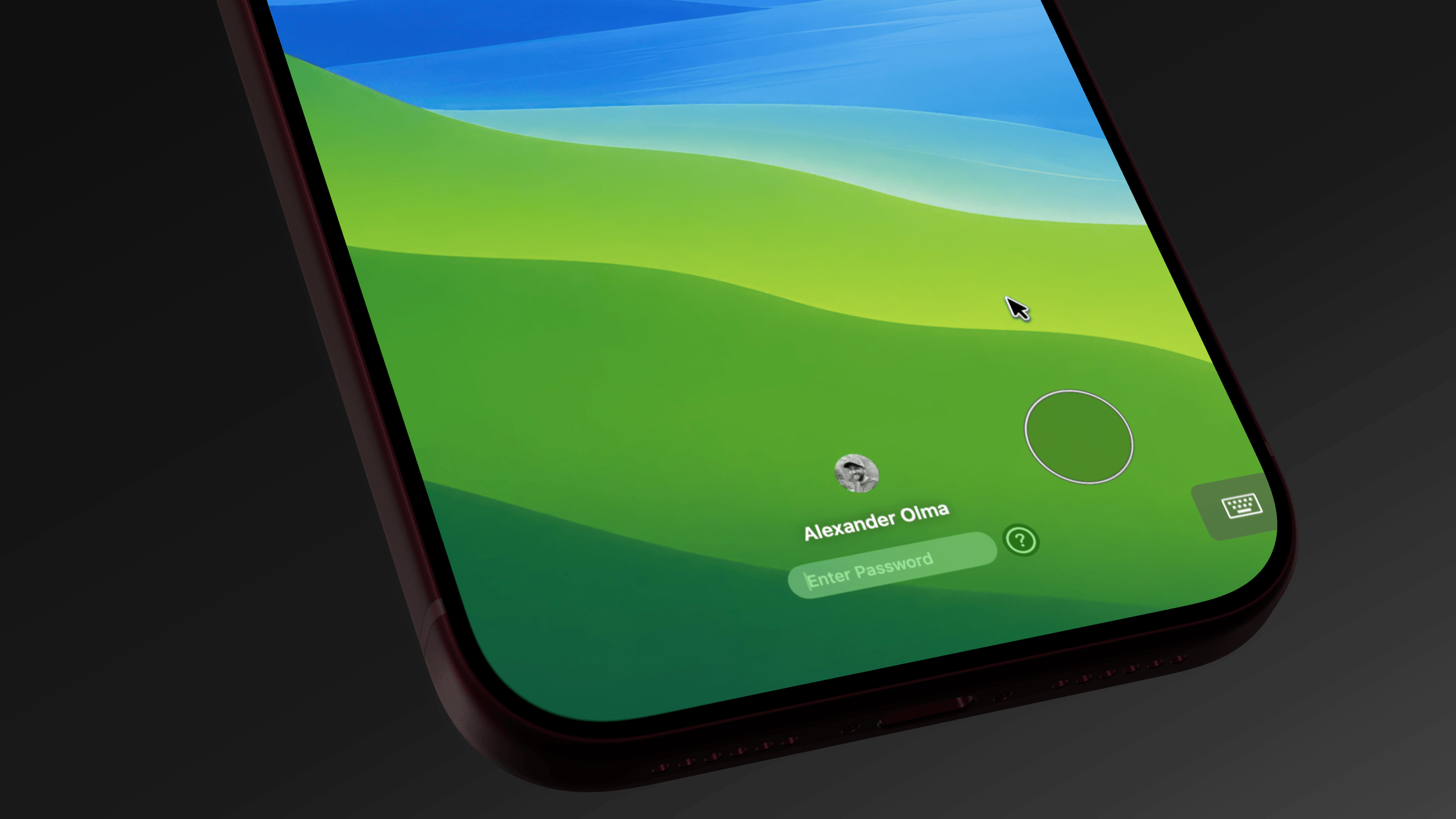
The best remote session is the one you forget is remote. Jump Desktop Version 10 is like sitting down at the machine itself and bringing the devices on your desk with you. It also goes where it couldn’t before. We’re releasing a native app for Android phones and tablets, Linux computers can be hosts, and with Jump CLI your scripts and AI agents can connect too. Here’s what’s new:
Seit Sommer bin ich täglicher Fan – und verschlief trotzdem den offiziellen Release von Version 10 vor einem Monat, weil ich auf der TestFlight-Beta rumhing.