„How to Use an External Monitor with the iPad mini (A20 Pro)“
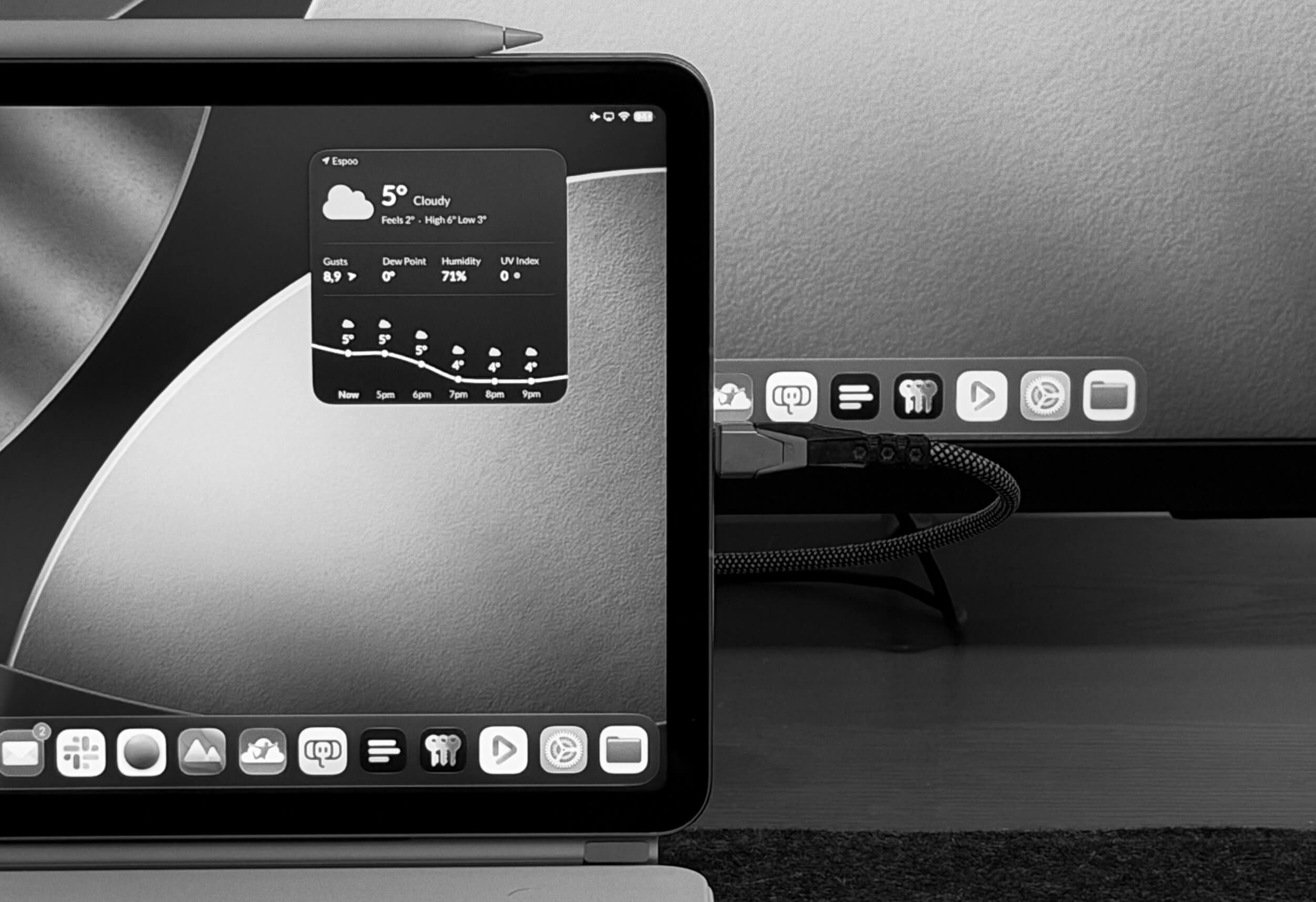
The new iPad mini (A20 Pro) is a big upgrade over its predecessor. While the OLED display is the headline feature, the more important improvement to me is the addition of extended display support. This is the first time the feature has come to an iPad without an M-series chip, and it increases the versatility of Apple’s pocket-sized tablet.
Using an iPad with a display isn’t something most people know about, so here’s a guide to using the new iPad mini with an external display.
Was dem iPhone Duo fehlt, liefert das iPad mini: eine Unterstützung für ein externes Display mit einer Auflösung von bis zu 4K bei 60 Hz. Es handelt sich um den erweiterten Desktop mit eigenständigen App-Fenstern auf dem externen Monitor, nicht nur ein schäbiges Mirroring. Das ist nicht nur ein sprichwörtliches Ass im (Jacken-)Ärmel, sondern eine signifikante Erweiterung des Einsatzzwecks von Apples kleinstem Tablet.
Zugegeben: Dann fehlen immer noch Tastatur und Trackpad. Es existieren zwar „All-in-one“-Cases, die limitierte Gehäusegröße ist aber eine zu große Einschränkung für eine sinnvolle Laptop-ähnliche Nutzung.
„Kleinzigartig“ ist gleichzeitig aber auch ein ausschlaggebender Vorteil: iPadOS avanciert mit Keyboard, Maus und Bildschirm zu einer vollwertigen Arbeitsumgebung – inklusive komfortablem Fernzugriff auf macOS.
Apples Telefone darf man abseits der schlichten Bildschirmspiegelung nicht von Monitor zu Monitor schleppen; iPad-Software liegt genau dafür seit Jahren angepasst vor.
Bemerkenswert ist allerdings nicht, dass das kleine Tablet zum großen Desktop wird, sondern dass sich mit minimalem Gepäck (255 Gramm!) an verschiedensten Orten eine vollständige Desktop-Arbeitsumgebung aufziehen lässt – vorausgesetzt ihr haltet Monitor, Tastatur und Maus vor.