John: You’re telling me that after Google I/O, a senior Google executive sat for an interview with you? And it answered your questions?
Nilay: All these executives are super type A, and I think they like the fight, and I think sometimes they choose the fight, and they want to show their companies they’re in the fight. Sometimes, they don’t.
Joanna: You’ve been put in a little timeout. I do this to my kids all the time.
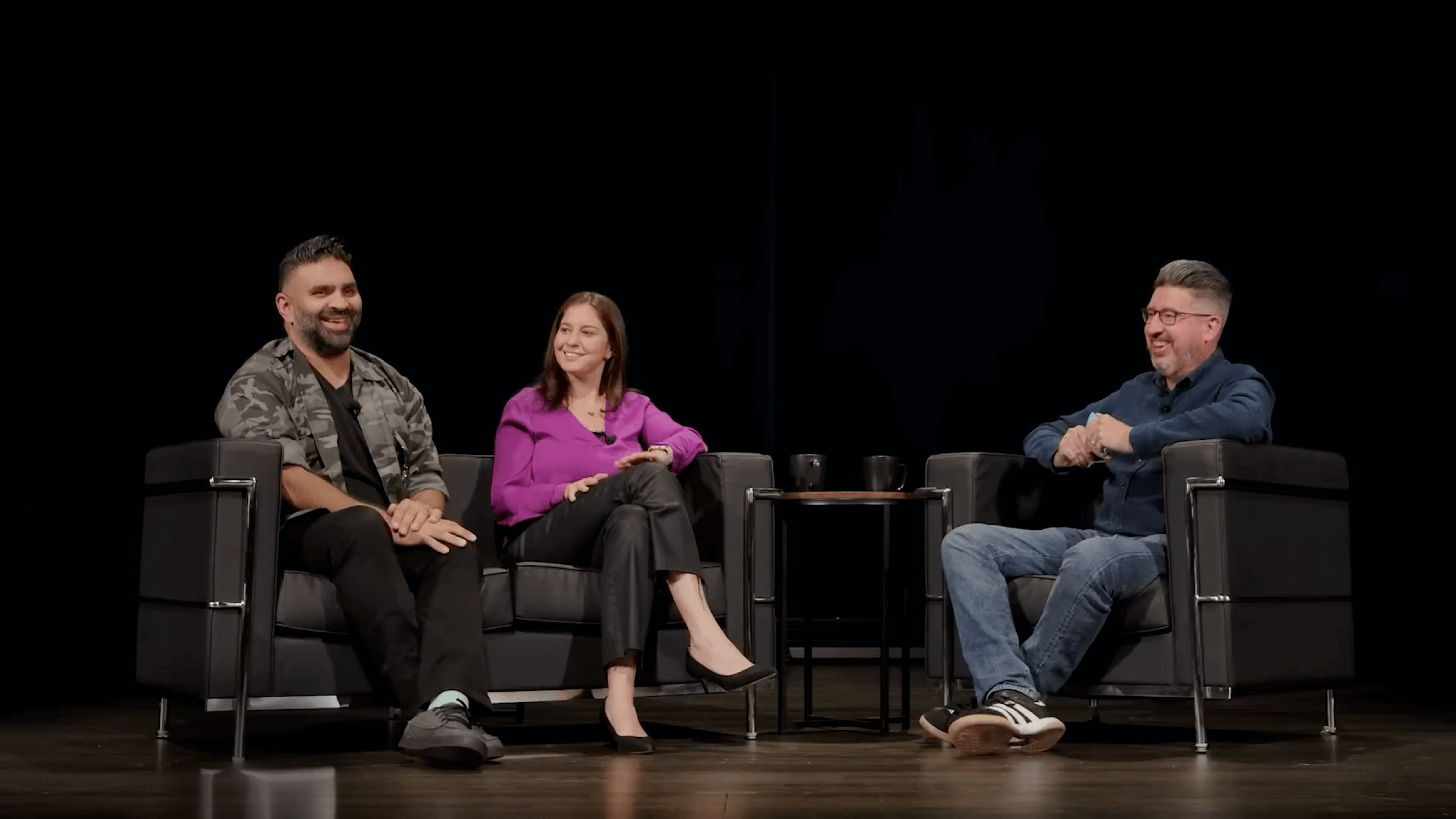
Apples (dünnhäutige) Absage für die diesjährige „The Talk Show“ wertete die Veranstaltung deutlich auf. Joanna Stern und Nilay Patel sind exzellente Gäste, die die (Keynote-)Themen meinungsstark und mit einem zwinkernden Auge besprechen (können).
Zuvor war’s reizvoll, da sich Apples Führungsriege fast nie in längliche und freie Live-Interviews setzt. Man hoffte auf Einblicke abseits der offiziellen Ankündigungen, durfte aber maximal zwischen den Zeilen lesen.
Es war nie langweilig, aber inhaltlich auch nie so substanziell wie „The Talk Show Live from WWDC 2025“.
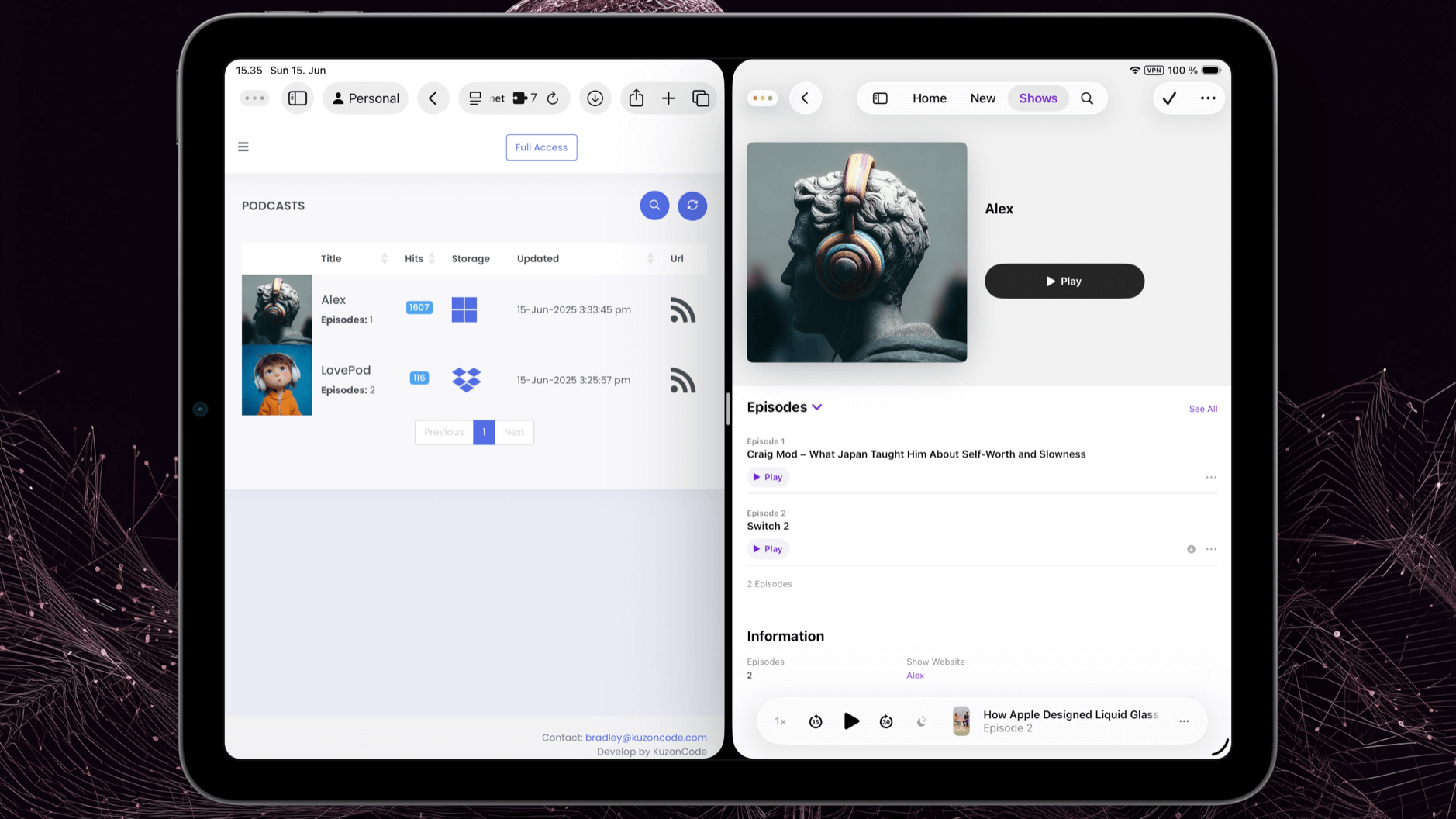
PushPod ist PodQueue, wobei die Video- und Audiodateien für euren persönlichen Podcast-Feed auf Dropbox oder im OneDrive liegen.
In der Praxis schiebt ihr eure Feed-losen Files schlicht in einen dieser Cloud-Ordner. PushPod vermerkt sie dann umgehend als neue Episode für die Podcast-App eurer Wahl.
Das Set-up erledigt ihr einmalig über die Webseite; anschließend kopiert, verschiebt und löscht ihr lediglich .mp3s und .mp4s im Wolkenspeicher. Das klappt wunderbar über Apples Dateien-App; die App-Store-Anwendungen von Dropbox und Microsoft öffne ich dafür nie.
PushPod ist unverbindlich auszuprobieren; der Einmalkauf kostet 18 EUR.
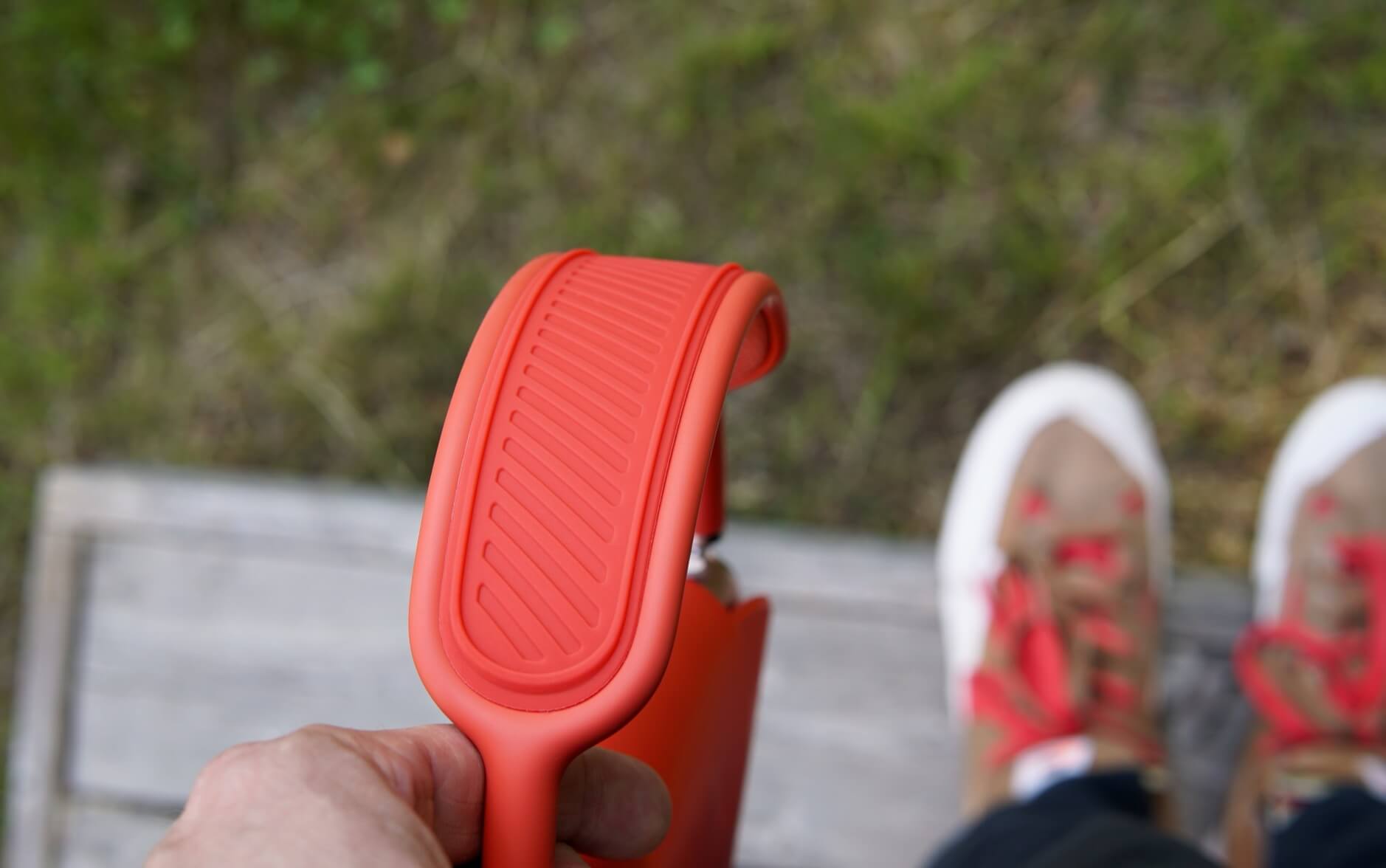
Nach viereinhalb Jahren verlor das Netzgewebe meiner AirPods Max seine ursprünglich straffe Spannung. Damit der Edelstahlbügel nicht direkt auf dem Kopf aufliegt, klemmt sich nun ein „Kopfbandkissen“ aus Silikon (Affiliate-Link) zwischen den Doppelbügel.
Das Gummistück ist im Gegensatz zum „Mesh“ nicht atmungsaktiv – logisch! Und es macht mit 43g einen schweren Kopfhörer noch ein bisschen schwerer. Allerdings verteilt es das Gewicht nun deutlich besser und drückt mir vor allem nicht mehr auf die Birne.
Ich war skeptisch; allerdings fehlt diesem Problem eine preislich akzeptable Lösung. Apple verlangt für den Austausch des Kopfbügels rund 190 EUR. Zugegeben: Es steckt viel Technik drin. Andererseits lässt sich der Bügel mit einer Büroklammer wechseln.
Der oben gesetzte Link zu Amazon ist lediglich exemplarisch zu verstehen. Es gibt Hunderte von (wahrscheinlich identischen) Angebote. Mein Exemplar kostete 5 EUR, roch nicht unangenehm und fällt farblich nicht störend auf.
Mit diesem Post wollte ich lediglich auf die preisgünstige Möglichkeit hinweisen, eine schlaffe Bespannung nicht nur optisch zu kaschieren, sondern tatsächlich Tragekomfort wiederherzustellen.
Die „Kleinigkeiten aus iOS 18“ benötigten im letzten Jahr drei separate Videos. Die erste Beta von iOS 26 geht es diesbezüglich ruhiger an, versteckt aber trotzdem die eine oder andere tatsächlich nette Minineuerung.
Hier das Intro zur Episode:
iPhoneBlog #one kann man abonnieren. Alle Abonnent:innen bekommen jede Woche ein neues „Gewusst-wie”-Video, den Zugriff auf alle schon veröffentlichten Episoden und die Einladung zu einer ganz besonderen Community in einem privaten Slack-Kanal.
iPhoneBlog #one ist ausschließlich von Lesern und Leserinnen finanziert und unterstützt direkt das iPhoneBlog.
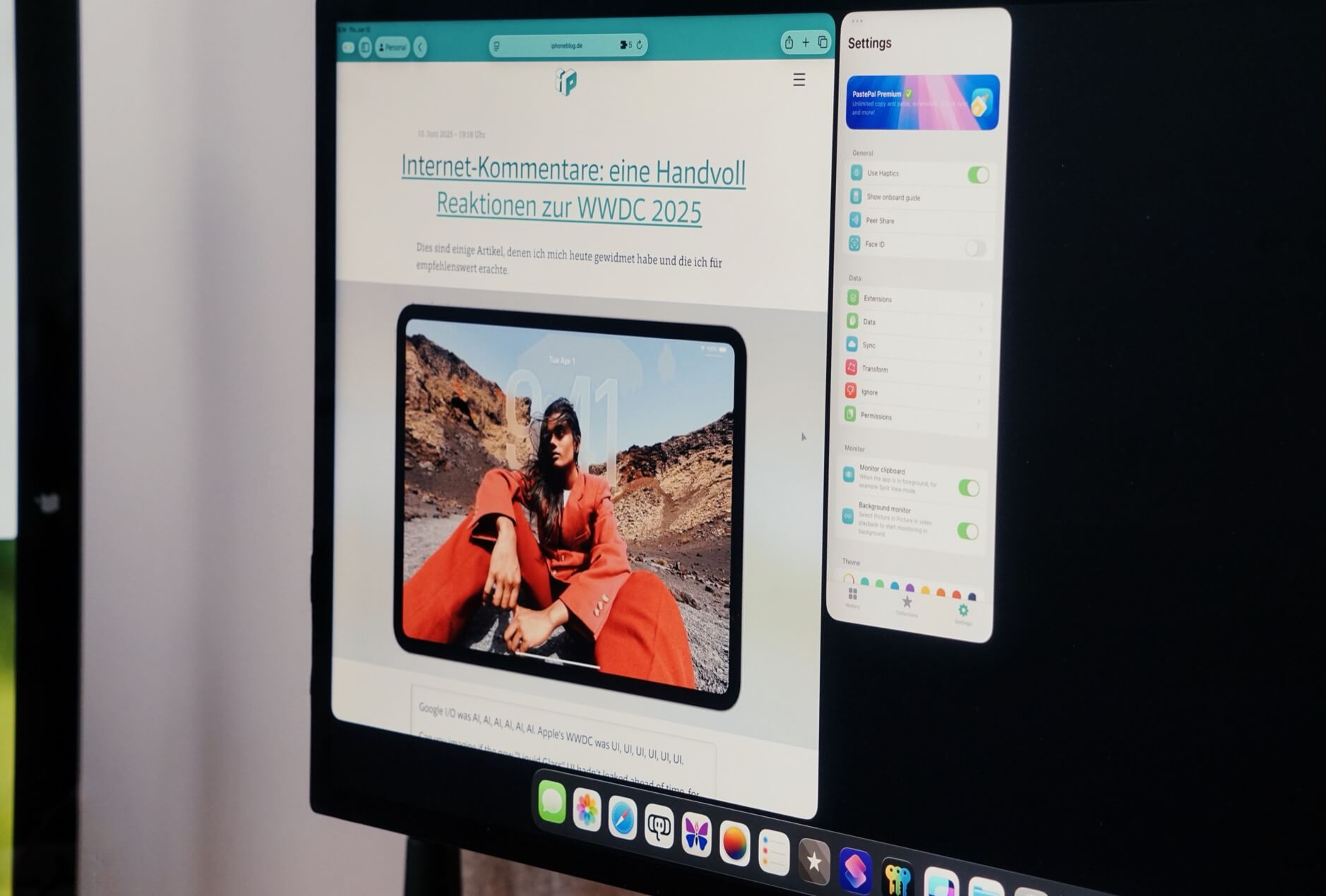
Mit Neid schaue ich auf macOS Tahoe und sein „biggest Spotlight update ever“. Es ist nach der aufgebohrten Fensterverwaltung mein fehlendes Puzzlestück für iPadOS 26 – insbesondere für das dort integrierte Management der Zwischenablage.
Exakt dieses neue iPadOS-Fenstermanagement erlaubt es jedoch, „Clipboard-Apps“ nun semi-dauerhaft mitlaufen zu lassen. Sprich: Apps wie PastePal bleiben geöffnet und ziehen sich automatisch jeden kopierten Textschnipsel – egal aus welcher App.
Klar: Um diese Inhalte zurückzuholen, muss man zum Clipboard-Manager wechseln; noch fehlt die komplette „Hotkey-Superpower“.
Ich bin mir jedoch sicher, dass diese App-Store-Anwendungen ab Herbst eine komplette Tastaturnavigation berücksichtigen (bis wir im nächsten Jahr das „biggest Spotlight update ever“ für iPadOS bekommen).
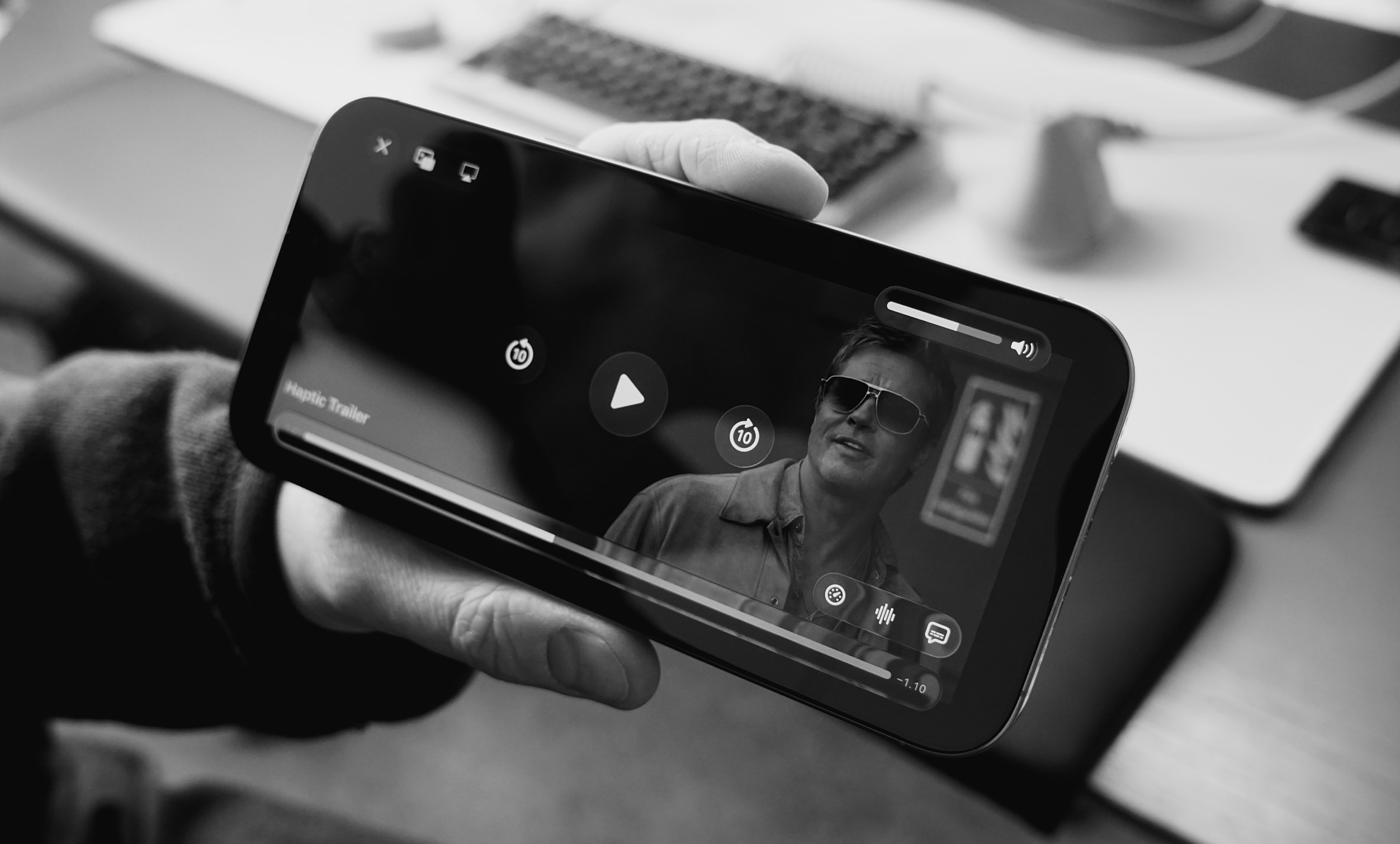
„Haptic“ können sie. Die „Taptic Engine“ bleibt im Verhältnis zur Telefongröße auch ein Bauteil, das nicht unerheblich viel Platz einnimmt.
Mit diesem Rütteln und Schütteln untermalt man sicherlich keinen ganzen Film. Dieser spezielle TV-App-Trailer funktioniert jedoch als clevere Promo-Idee, weil man ihn sowieso am iPhone schaut.
Dies sind einige Artikel, denen ich mich heute gewidmet habe und die ich für empfehlenswert erachte.
Google I/O was AI, AI, AI, AI, AI, AI. Apple's WWDC was UI, UI, UI, UI, UI, UI.
Can you imagine if the new "Liquid Glass" UI hadn't leaked ahead of time, for example? Or even the silly new naming scheme? These would have been big, topical stories that could have helped Apple distract from what is going on internally with AI. I'm not saying I feel badly that this is happening to them, I'm just saying it's wild that they have not been able to stop it. And such a leaky boat is never a good sign of overall company health, of course.
Speaking of Apple’s models, they’ve been updated, and Apple is opening them up much more broadly. App developers have direct access to the smaller on-device model, with relatively free rein to build features based on it. Even more impressive is the latitude being given to actions in Shortcuts on the Mac, which can use the on-device model, Apple’s Private Cloud Compute, or even ChatGPT to perform tasks and return data. (It’s interesting that individual Shortcut developers get access to Private Cloud Compute before app developers do.)
I'm all for fun in these events, but the heavily choreographed, totally risk averse, perfectly edited speeches, and the like have stripped the humanity and dynamism of Apple's keynotes. The humour feels stilted — possibly even tone deaf — and the messaging continues to speak volumes with all the topics it ignores.
I'm not looking for them to step into political/cultural conversations, but, within their ecosystem, perhaps some more words toward developers would be welcome.
I’m glad Apple finally added the ability to set default apps for file types. It wasn’t on any of my iPad feature wishlists, but it should have been. It’s a strong addition.
Putting folders in the Dock, on the other hand, feels like macOS intruding too much into the unique iPad experience. I would have loved to seen a more unique solution, like a corner gesture to bring up the Files app or a specific folder.
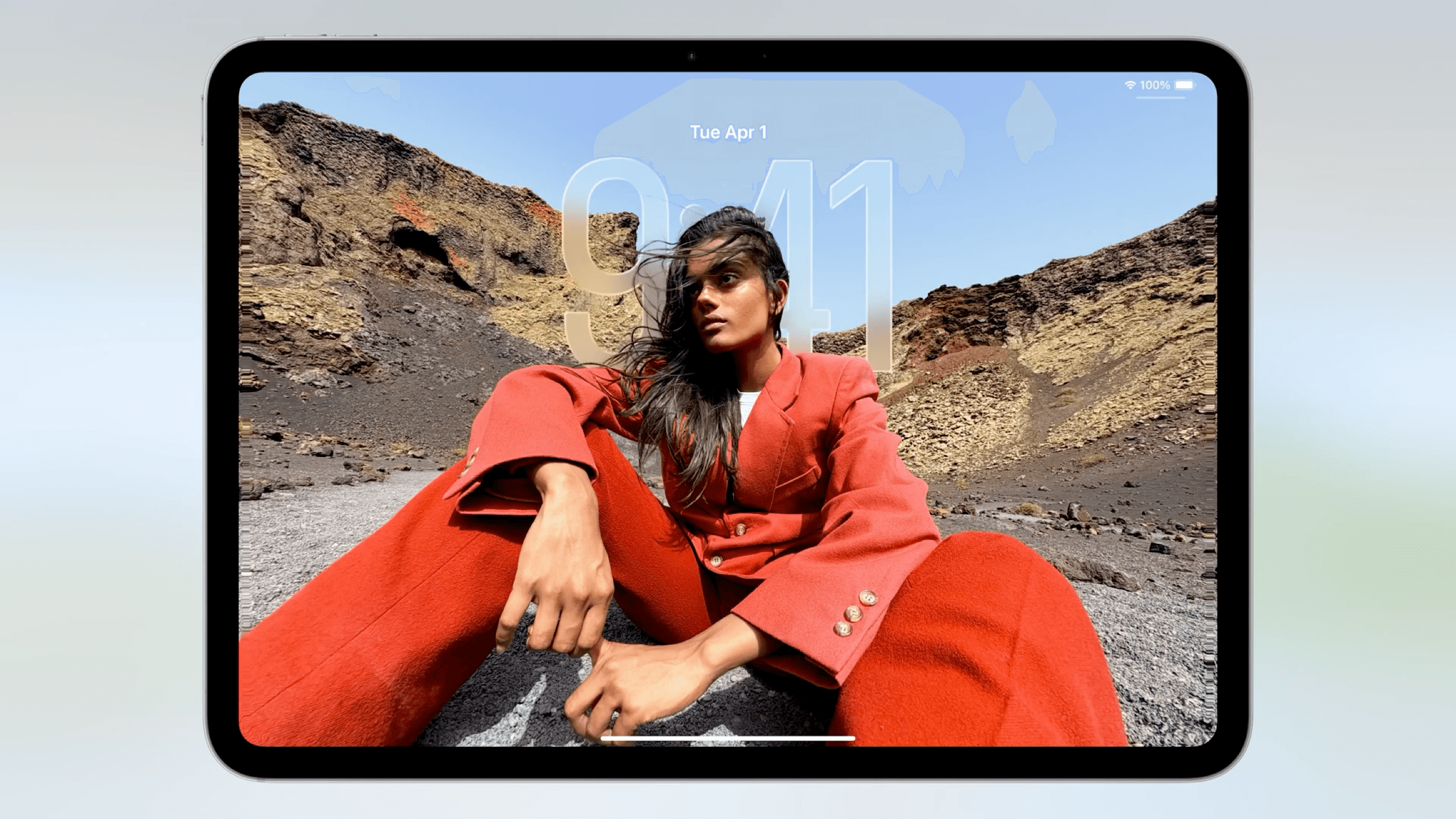
The thing I need to dig into though is how much I adore the new Liquid Glass visual refresh. It honestly looks a little shitty, but it looks a little shitty in a way that feels like a group of designers with strong opinions made and then committed to a bold decision. This is the kind of act 2025 Apple needs a lot more of these days, and it’s the kind of act that brought us iOS 7 which also looked a little bit shitty at launch. But also like the launch of iOS 7, the overall feeling of newness associated with the Liquid Glass design language evokes an emotional response which — at least in my eyes — supersedes what we’ve come to know as a pure common sense design perspective.
My hope is that there will be time in this beta run for enough fixes to be made. My fear is that many of us will be waiting months for a fully usable OS, if that ever occurs. So, sure, argue against what I and others are concerned about. State, correctly, that Apple is a leader in accessibility. But stop assuming that just because this new design might be OK for you and because Apple has controls in place that might help people avoid the worst effects of design changes, everything is just peachy. Because it isn’t. Millions of people are now a coin flip away from whether or not they’ll be able to comfortably use their devices in just a few short months from now.
Liquid glass looks like the product of a design process led by someone saying "Make it look good." I'm sure it "works" fine. But I'm not sure what it is meant to do that its predecessor did not.
How much does any of this matter? Even on this uncertain footing, Apple remains a monolith. Most people rarely switch device ecosystems, and even Google has yet to figure out an AI feature powerful enough to spur large groups of iPhone owners to trade them in for Pixels.
Apple still has plenty of new widgets it can show off. But the vision behind all that activity feels a little muddy — and the company's rivals, including Google and OpenAI, seem to have a much stronger idea of what they are doing. Apple can still do great things — but for now, it seems fixated on the low-hanging fruit.
The other part of this that I find interesting is that the new design system is pretty darn opinionated. This is not just a neutral system where devs lead the way in terms of design trends, nor is it another slight refinement to the OS design they've been iterating one since iOS 7, it's got a clear opinion on what software design is for the next 10 years should look like. The challenge with opinionated design is that it's really hard to do when you have 1 billion users; the safe thing to do is to be generic and slowly iterate on what you already have. It's like flipping a house, painting all the walls white, and staging it with the most generic furniture you can find so as not to impart any personality or offend the sensibilities of anyone who walks in the front door.
It's objectively easier to keep iterating on what you already had, Apple didn't do that here, and at a very core level I'm excited that they took a big swing. Now let's hope they spend the summer refining this thing.
To that end, while I understand why many people were underwhelmed by this WWDC, particularly in comparison to the AI extravaganza that was Google I/O, I think it was one of the more encouraging Apple keynotes in a long time. Apple is a company that went too far in too many areas, and needed to retreat. Focusing on things only Apple can do is a good thing; empowering developers and depending on partners is a good thing; giving even the appearance of thoughtful thinking with regards to the App Store (it’s a low bar!) is a good thing. Of course we want and are excited by tech companies promising the future; what is a prerequisite is delivering in the present, and it’s a sign of progress that Apple retreated to nothing more than that.
Ein Redesign muss erst übers Ziel hinausschießen, damit man es dann zurückdrehen kann. Ich hatte befürchtet, dass Apple sich nicht weit genug aus dem Fenster lehnt – auch deshalb, weil sie erstmals alle Plattformen gleichzeitig bespielen.
Oh, boy. Das war eine unbegründete Sorge. Aber die Wahl fürs „Material“ ist vielversprechend und denkt bereits einige Hardware-Jahre in die Zukunft.