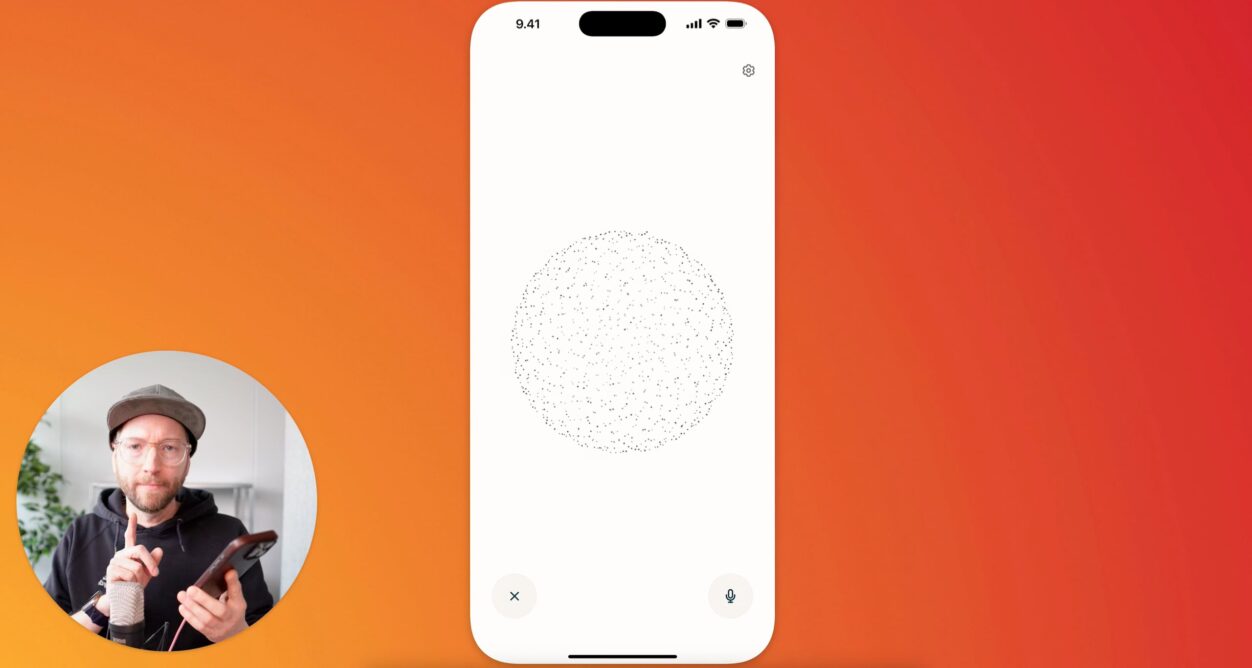
Tipp: der iOS-Voice-Assistant von Perplexity
MAZANOKE – lokale Bildkompression im Browser
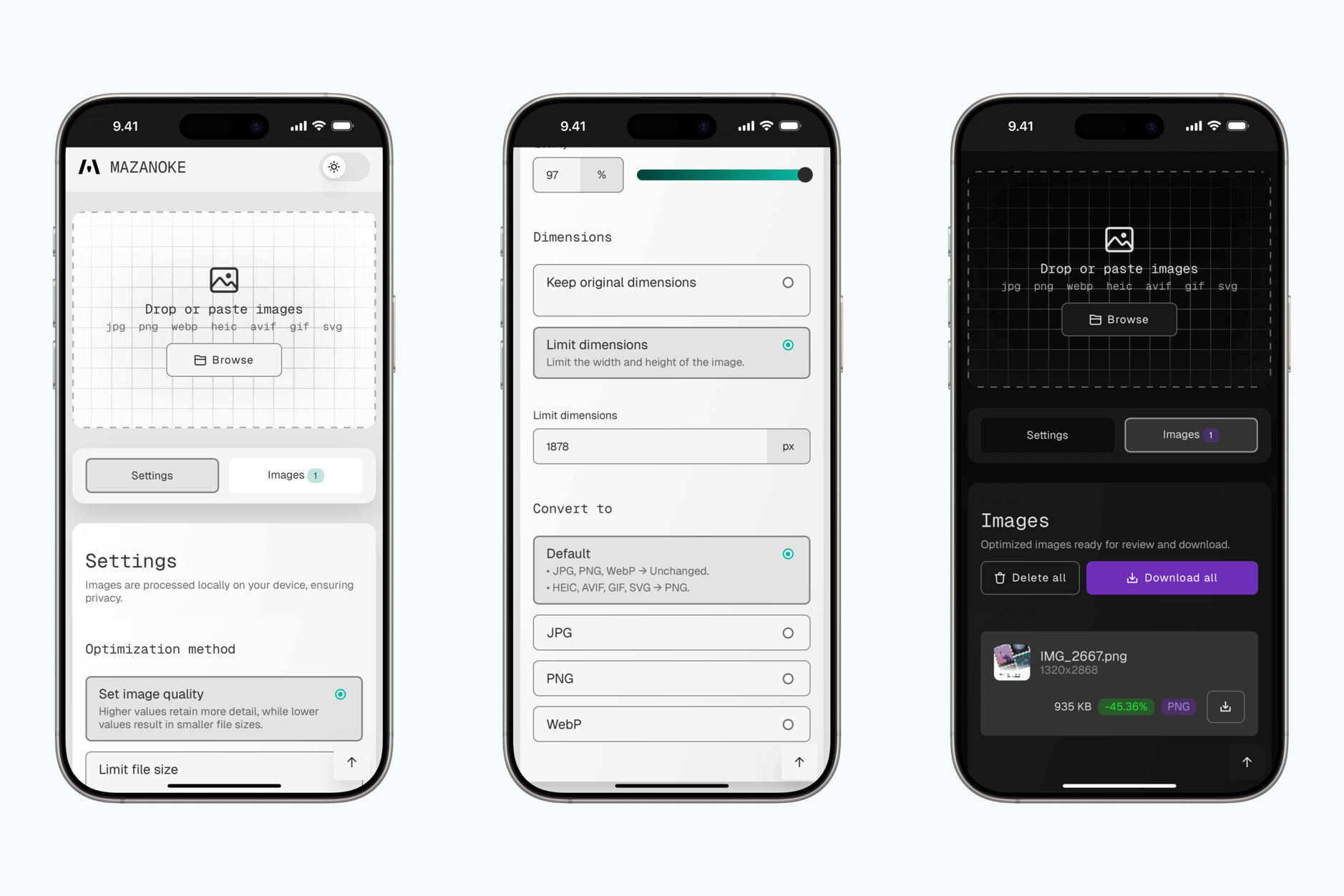
MAZANOKE is a simple image optimizer that runs in your browser, works offline, and keeps your images private without ever leaving your device.
Created for everyday people and designed to be shared with family and friends, it serves as an alternative to questionable „free“ online tools.
Fügt für schnelle Bildkompressionen MAZANOKE.com eurer versteckten Homescreen-Seite für Progressive Web App hinzu (oder installiert es via Tailscale).
#452 – Panels
Panels blättert in seiner eigenen Geschichte weiter nach vorn – nicht rasant, aber dafür (seit 8 Jahren) kontinuierlich. Es bereitet mir große Freude, in mehrjährigen Abständen seine Neuerungen gebündelt zusammenzutragen.
Hier das Intro zur Episode:
„Synctrain: a rethought iOS client for Syncthing“
Nicht alle Dateien können (oder sollten) auf einem Onlinespeicher liegen – von einem betriebssystemübergreifenden Sync einmal ganz zu schweigen. RetroArch konnte Spielstände etwa bis vor Kurzem nur lokal ablegen – deshalb synchronisierte ich diese über Syncthing zwischen allen meinen Geräten.
iOS und iPadOS, die ziehen sich diese Spielstände über Möbius Sync – ein Syncthing-Client. So könnt ihr Speicherstände im lokalen RetroArch-Ordner ersetzen. Das lässt sich auch über Shortcuts automatisieren – etwa mit einer Automation, die losläuft, wenn ihr RetroArch öffnet beziehungsweise schließt.
Als Open-Source-Alternative zu Möbius Sync tat sich nun Synctrain auf.
Synctrain is an iOS app for securely synchronizing files between your devices. It improves on existing apps by providing a smooth native user interface, selective synchronization of files, and on-demand streaming.
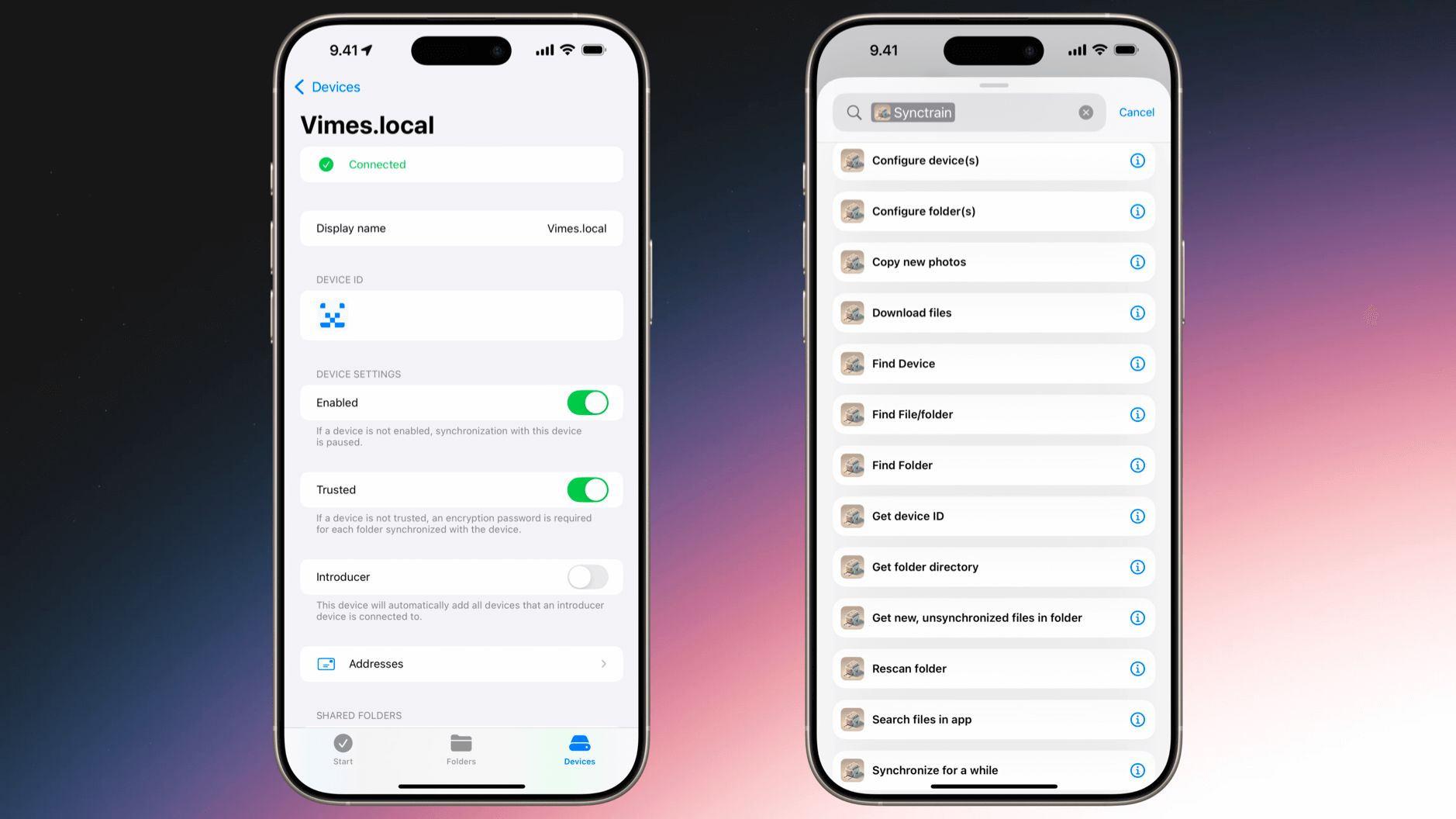
Today I came across SyncTrain, which is going to have a lot of the same problems anything that should be running in the background all the time(ish) on iOS is going to have, but includes a nice workaround: You can make an Apple Shortcut to give it a nudge to sync for 10 seconds if it fell asleep on the job. That’s enough to check in with other nodes and pull in changed stuff. Since everything is on Tailscale, it ought to work wherever I have connectivity.
„Remind Me Faster“ spricht Deutsch
Remind Me Faster bleibt ein „must-have“ für alle, die mit Apples Erinnerungen-App ihre Aufgaben organisieren. Die natürliche Spracheingabe interpretiert mit der in dieser Minute veröffentlichten Version 5.6 nun auch deutschsprachige Kommandos.
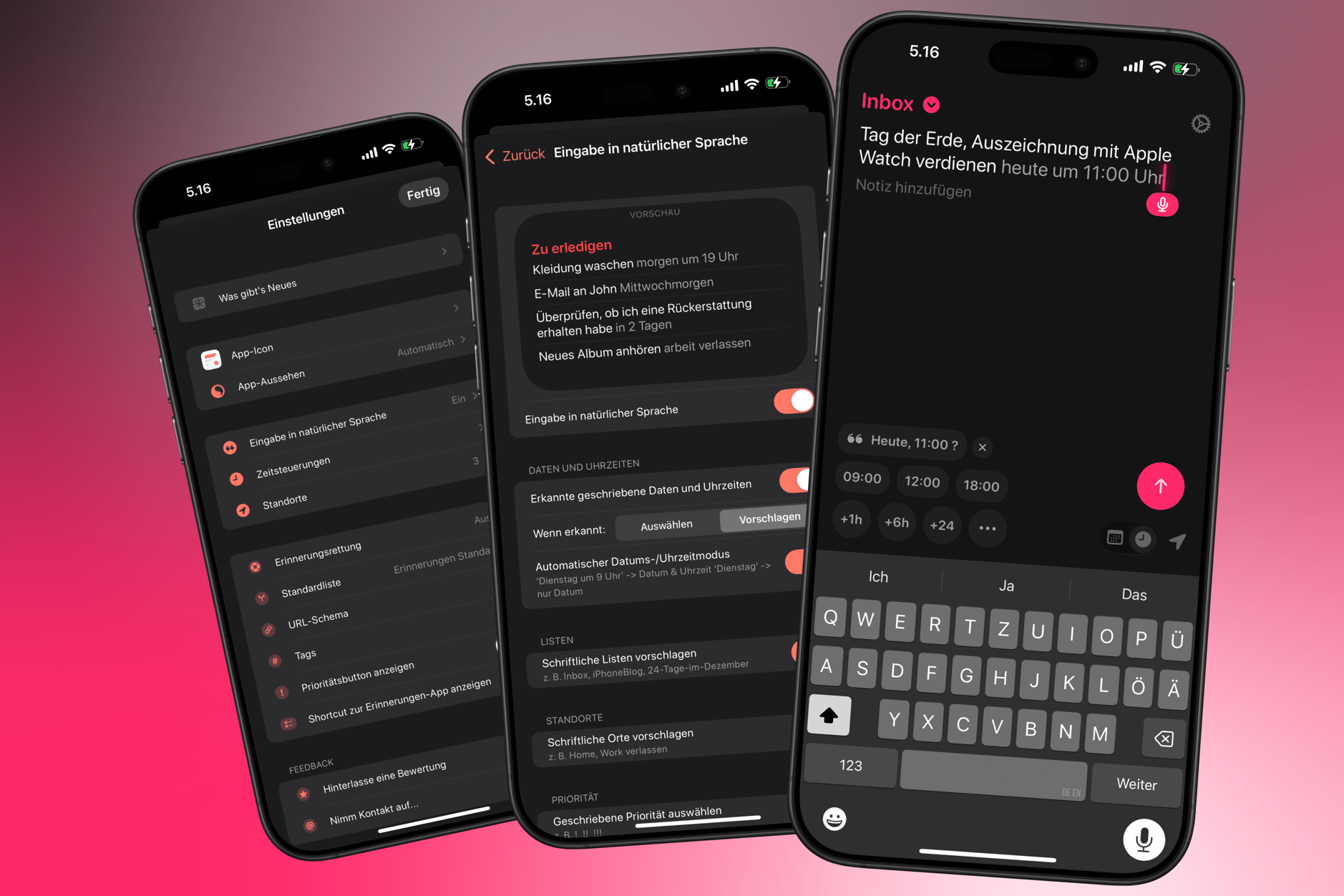
Für mich bleibt Reminders ein Dreh- und Angelpunkt für alles, was ich nicht vergessen möchte – Termine oft eingeschlossen.
Neben kleinen, aber nachzurüstenden Features ist das größte Manko von Apples Anwendung der zähe Input von Informationen – abseits der Siri-Sprachaufforderungen.
Innerhalb der App, aber auch von außen: Reminders besitzt tatsächlich keinen Button an seinem Widget, im Sperrbildschirm oder Kontrollzentrum, um flott einen Eintrag vorzunehmen.
Schon deshalb positioniert man dort Remind Me Faster.
„Apple and the Ghosts of Companies Past“
Consider this in the context of AI: the iPhone does have AI apps from everyone, including ChatGPT, Claude, Gemini, DeepSeek, etc. The system-wide assistant interface, however, is not open: you’re stuck with Siri. Imagine how much more attractive the iPhone would be as an AI device if it were a truly open platform: the fact that Siri stinks wouldn’t matter, because everyone would be running someone else’s model. […]
The new bridge is a user interface that gives you exactly what you need when you need it, and disappears otherwise; it is based on AI, not apps. The danger for Apple is that trying to keep AI in a box in its current paradigm will one day be seen like Microsoft trying to keep the Internet locked to its devices: fruitless to start, and fatal in the end.
Stratechery | Ben Thompson
Ja, Apple Intelligence sucht nach einer „Definition“. Andererseits dauern echte Paradigmenwechsel immer eine kleine Internet-Ewigkeit.
Web-Apps übertrumpfen inzwischen Anwendungen aus dem App Store; aber das dauerte auch knapp zwei Dekaden. Ich erinnere mich noch zu gut an ausschweifende „Was-wäre-wenn“-Diskussionen um Anwendungen im Browser. Und heute? Heute verpacken wir Browser-Software in Apps zum Herunterladen.
Es ist absehbar, wie Chat-Fenster mit KI-Diensten beeinflussen, was das Wort Software zukünftig bedeutet. Gleichzeitig scheint aber (erneut) unterschätzt, wie lange es dauert, bis wir unsere Fenster in Betriebssystemen „vibe-coden“.
Solche Sätze fallen mir dann später auf die Füße, sind aber manchmal notwendig auszusprechen.
Noch einmal Thompson:
Apple’s absolutist and paternalistic approach to privacy have taken all of these options off the table, leaving the company to provide platform-level AI functionality on its own with a hand tied behind its back, and to date the company has not been able to deliver; given how different AI is than building hardware or operating systems, it’s fair to wonder if they ever will.
And, critically, this won’t matter for a long time: Apple’s AI failures will not impact iPhone sales for years, and most AI use cases will happen in apps that run on the iPhone. What won’t happen, however, is the development of the sort of platform capabilities that will build that bridge to the future.

Alles richtig, aber vergessen wir nicht die Zeit dazwischen – von heute bis in diese mögliche Zukunft, in der Apple die Auswirkungen des Spätdranseins spürt. Diese Zeit zählt, und eine rein technische Beurteilung ignoriert die mögliche Wertschätzung, die eventuell Privatsphäre und Umweltschutz einnehmen.
Vielleicht stellt sich heraus, dass das (den Kund:innen) alles egal ist. Aber das muss sich erst noch zeigen – zwischen dem besagten Jetzt und dem sagenumwobenen Bald.
No Cookies, aber Kekse: Foodle.recipes findet Kochrezepte
Die Geschäftsmodelle von Webseiten mit Kochrezepten sind arg angebrannt. Das Wettrüsten mit mehr Affiliate-Links und mehr Pop-ups hilft niemanden.
Abseits von LLMs und Paprika sorgt Mela für eine lesbare Darstellung der Koch- und Backanleitungen. Foodle.recipes ist als kurierte Suchmaschine für Rezepte das neuste Feature der App von Silvio „Reeder“ Rizzi.
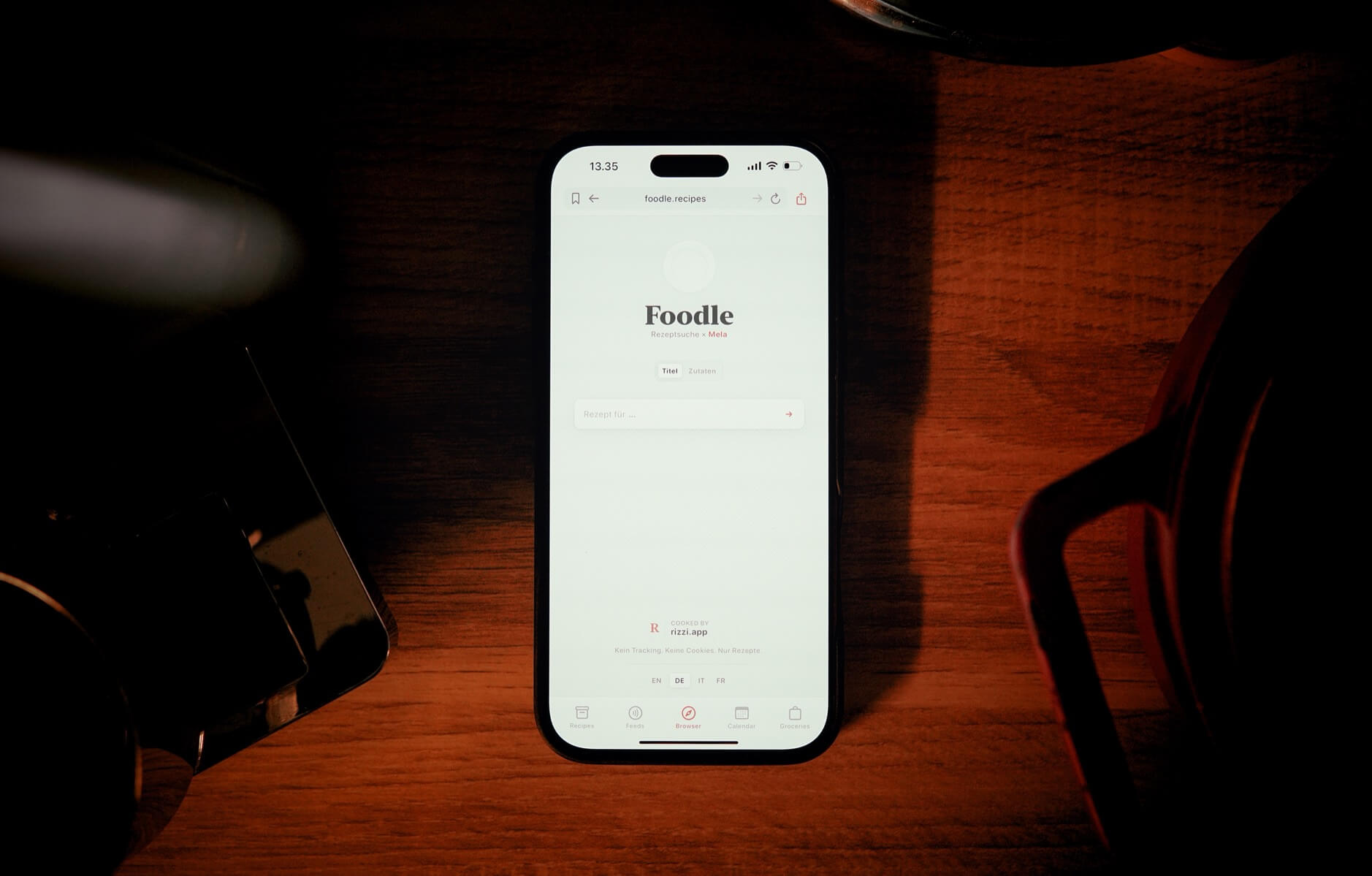
„Kein Tracking. Keine Cookies. Nur Rezepte.“
Ich stoße die Rezeptsuche innerhalb des Browsers von Mela an und klicke auf der jeweiligen Rezepte-Webseite lediglich „Found Recipe“ sowie „Add this recipe“.
Tipp fürs „Dokumente scannen“

Ziehe anschließend die Ecken, um den Scan an die Seite anzupassen, und tippe dann auf „Scan behalten“.
Nein! Immer die Seiten anfassen, nicht die Ecken.
This is one of my most common support issues with Simple Scan. Everyone thinks the zoom loupes in the corners of the cropping UI in Apple’s scanner are drag handles, when, in fact, you can drag anywhere along the edges and be able to see the corner alignment clearly.
Even if you are just using Apple’s scanner in Notes/Files, this is helpful to know.