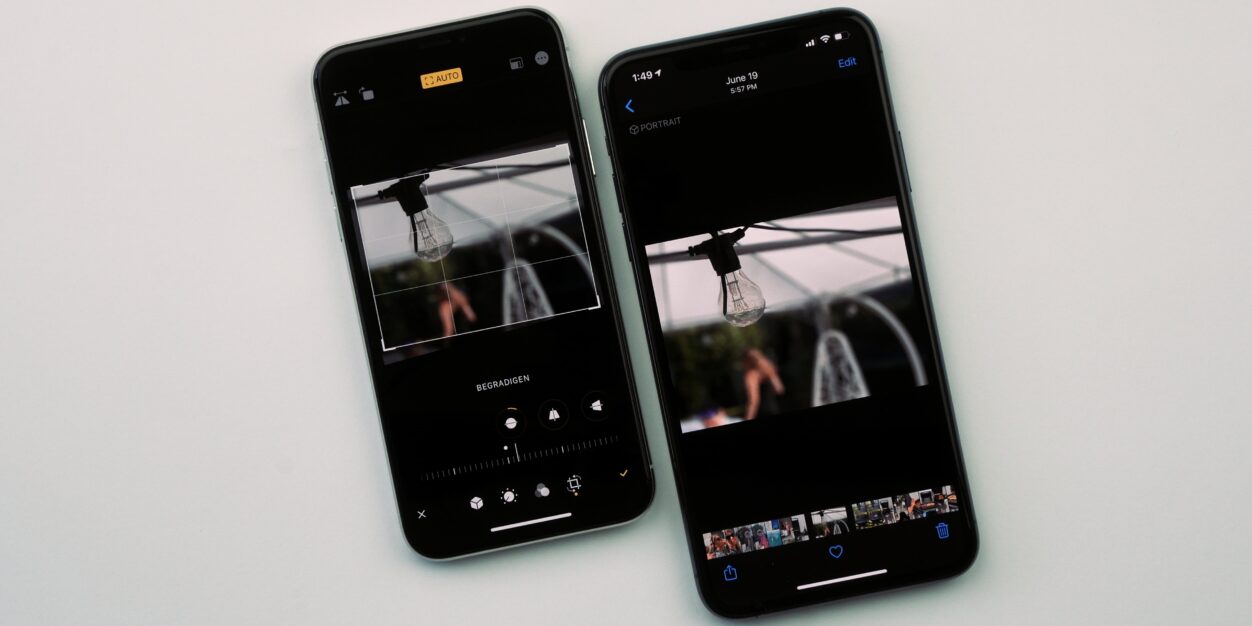
Porträtfotos sind hier gerne mal ein Thema. Focos (universal; Laden) findet in diesen Beiträgen eigentlich immer eine kurze Erwähnung. Ein eigenes Videos ist für diese „Computational photography“-Software deshalb überfällig.
Und der Zeitpunkt bietet sich an: Das neue Focos Live (universal; Laden) zeichnet den Schärfentiefe-Effekt nun erstmals auch auf bewegte Bilder.
Hier das Intro zur fünfminütigen Episode:
iPhoneBlog #one kann man abonnieren. Als Abonnent bekommt man jede Woche ein neues Video, den Zugriff auf alle schon veröffentlichten Episoden und die Einladung zur Diskussion in einem privaten Slack-Kanal. iPhoneBlog #one ist ausschließlich von Lesern und Leserinnen finanziert und unterstützt direkt das iPhoneBlog.
Alle Infos und die Möglichkeit dabei zu sein, findet ihr unter iPhoneBlog.one.
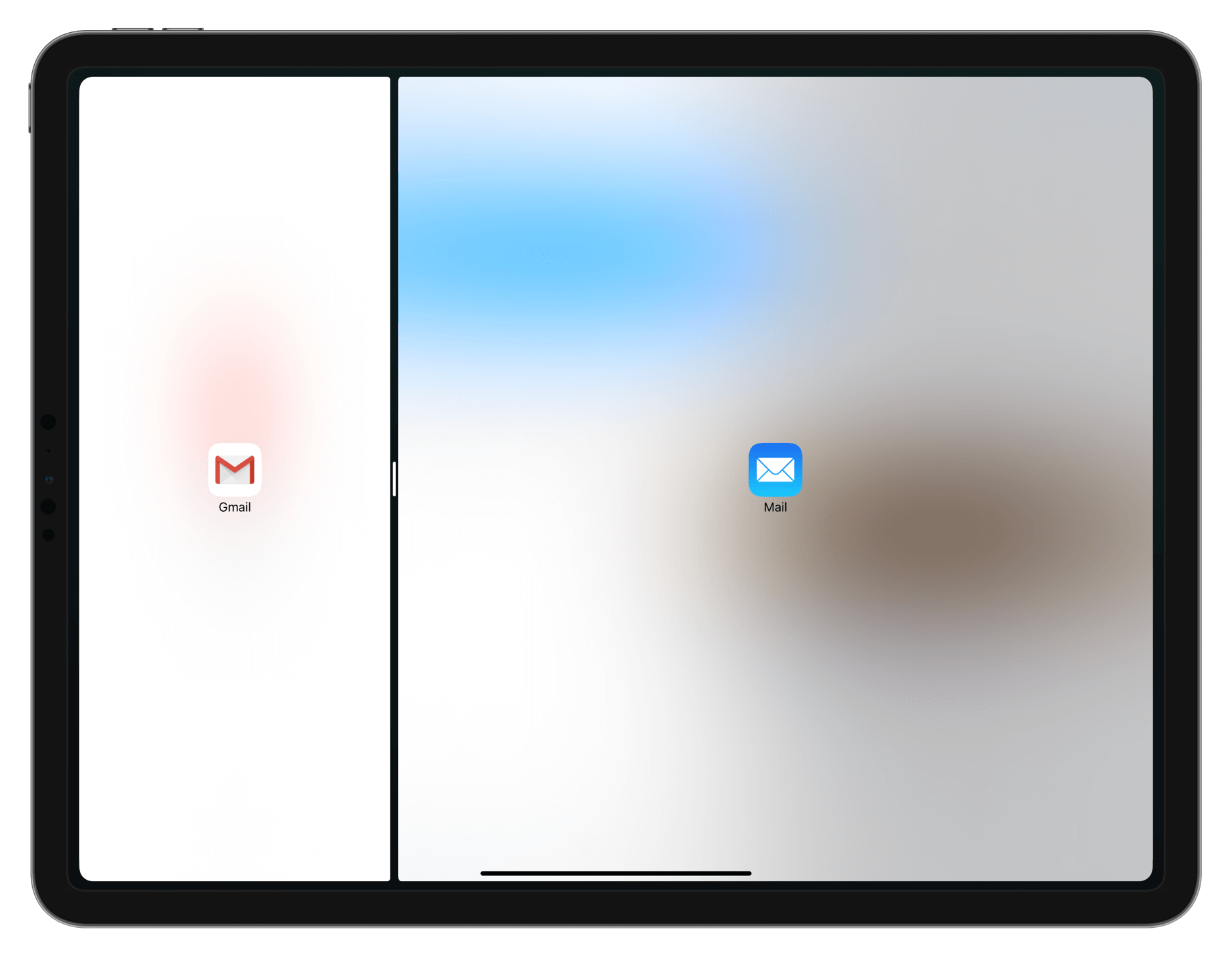
When using an iPad, you’re now able to multitask with Gmail and other iOS applications. You can use Gmail and Google Calendar at the same time with Split View to check your schedule before replying to an email to confirm a meeting time.
Apple Inc. has shifted the strategy of its Apple Arcade gaming service, canceling contracts for some games in development while seeking other titles that it believes will better retain subscribers. […]
On calls in mid-April, an Apple Arcade creative producer told some developers that their upcoming games didn’t have the level of “engagement” Apple is seeking, the people said. Apple is increasingly interested in titles that will keep users hooked, so subscribers stay beyond the free trial of the service, according to the people. They asked not to be identified discussing private conversations.
„Retain subscribers” und „stronger engagement” als einen „Strategiewechsel” zu beschreiben, erscheint mir mutig.
Ein tatsächlicher „Strategy Shift” wäre eine Preisänderung, die Integration von „Pay-to-Win”-Spielmechaniken oder es zukünftig doch mit Werbung und In-App-Käufen zu probieren. All das passiert nicht. Die Spiele der teilnehmenden Entwicklerstudios sollen Arcade-Abonnenten lediglich stärker an den Service „binden”.
„Keep users hooked” kann man natürlichnegativauslegen. Man kann es jedoch auch als eine (neue) „Qualität über Quantität”-Ausrichtung verstehen – insbesondere unter Berücksichtigung der WWDC-Ankündigungen, die von Controller-Support bis Game Center reichen.
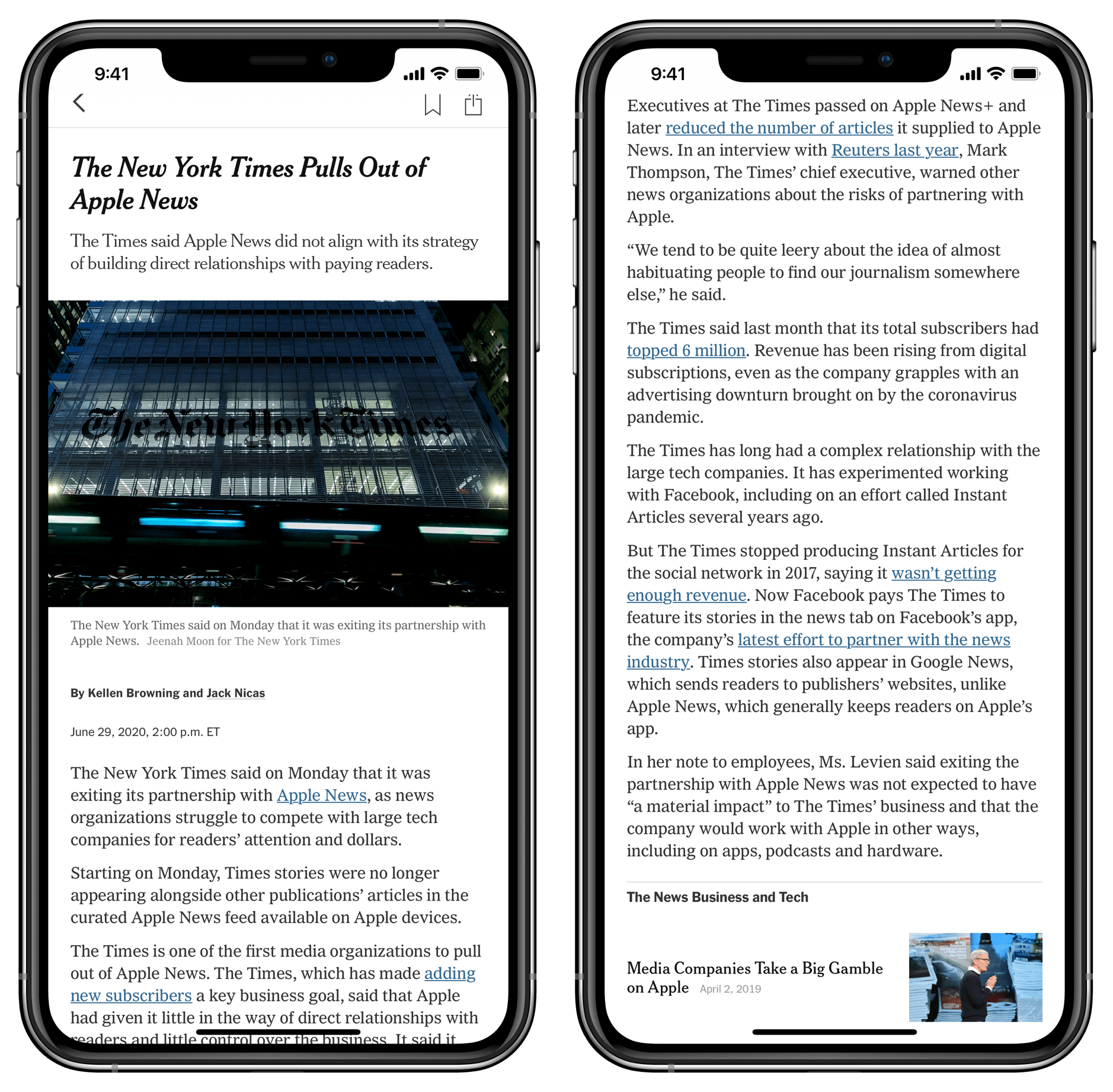
The Times is one of the first media organizations to pull out of Apple News. The Times, which has made adding new subscribers a key business goal, said Apple had given it little in the way of direct relationships with readers and little control over the business. It said it hoped to instead drive readers directly to its own website and mobile app so that it could “fund quality journalism.”
Die New York Times nahm nie an Apple News+ teil, sondern steuerte täglich „wenige” (kostenfreie) Artikel für Apple News (ohne Plus) bei. Genau diese Beiträge finden sich jetzt nicht mehr in Apples Nachrichten-App.
Warum verzichtet die New York Times auf diese geschenkte Werbemöglichkeit und die Einnahmen, die Apple durch den Verkauf von Ads an alle teilnehmenden Publikationen ausschüttet? Antwort: Weil die Times-Artikel in Apple News auch eigene Kosten verursachen!
Das überregionale US-Nachrichtenblatt bewirbt mit seiner Teilnahme an Apples Nachrichten-Sammelstelle gleichermaßen den Apples Service. Sprich: Lesern und Leserinnen wird beigebracht, die New York Times auch in Apple News konsumieren zu können (anstelle ein Abo auf NYTimes.com zu klicken). So büßt man Markenbekanntheit ein.
Außerdem schreibt und gestaltet man Artikel für ein werbefinanziertes Angebot anders, als wenn man für Abonnenten schreibt. Das Geschäftsmodell ändert das Produkt, was oft eine unterschätzte Gefahr darstellt (weil der Prozess schleichend verläuft).
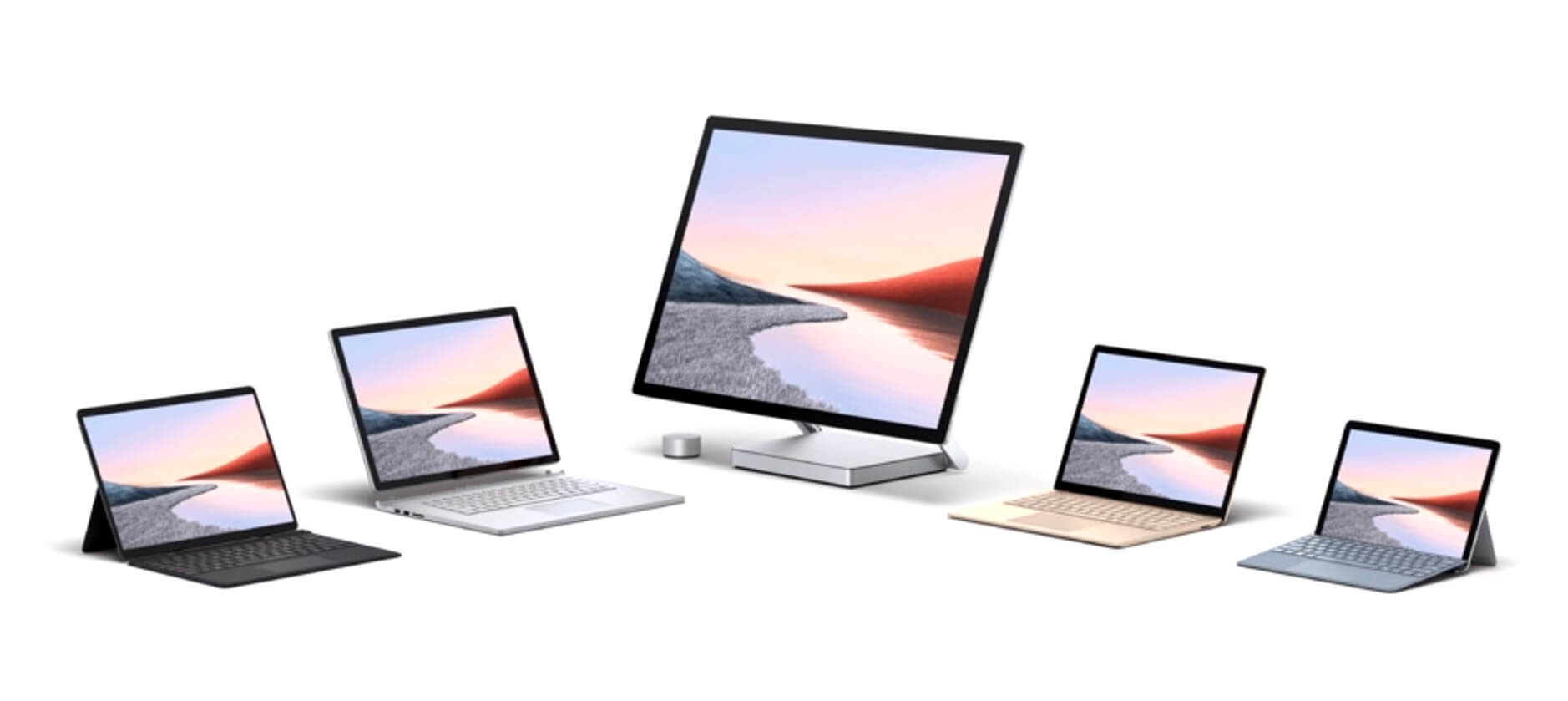
Seit fünf Jahren zieht sich Microsoft nun schon aus den Geschäft mit Endkunden zurück. Die Schließung ihrer Retail-Stores ist daher ein logischer Schritt.
Microsoft today announced a strategic change in its retail operations, including closing Microsoft Store physical locations. The company’s retail team members will continue to serve customers from Microsoft corporate facilities and remotely providing sales, training, and support. Microsoft will continue to invest in its digital storefronts on Microsoft.com, and stores in Xbox and Windows, reaching more than 1.2 billion people every month in 190 markets.
Was dieser Enterprise-Stoßrichtung aber weiterhin widerspricht: Surface Pro und Surface Laptop. Die Hardware-Produktsparte existiert immer noch als eine Art Hobbyprojekt neben den finanziellen Schwergewichten „Cloud, Software and Services“.
Die Surface-Computer haben sich aus meiner Sicht über viele Jahre als attraktive Alternative zum iPad und MacBook entwickelt – oft um Klassen besser als vergleichbare Rechner von Lenovo, Acer und Dell. Sie haben jedoch nicht die finanzielle Tragweite und damit das Standing innerhalb von Microsoft erreicht, um unhinterfragt gegen die Ziele der Firma zu schwimmen.
Die fehlende Ausstellerfläche dürfte besonders deutlich im Weihnachtsgeschäft auffallen, wenn sich mit Surface Neo und Surface Duo neue Formfaktoren zum Kauf stellen und vorher ausprobiert werden wollen. Von Kopfhörern, wie den Surface Earbuds und Surface Headphones, einmal ganz zu schweigen.
Die Schließung der Showrooms wird Microsofts Hardware-Abteilung am stärksten spüren, und sie wird zwangsläufig zu einer internen Neubewertung der eigenen Laptops und Tablets führen.
Der Ansturm aus kleinen aber feinen Features, die iOS 14 von sich verrät, reißt nicht ab. Deshalb konnte ich mich in dieser Woche auch nicht zurückhalten und spendiere der Episode #210 eine Fortsetzung.
iPhoneBlog #one kann man abonnieren. Als Abonnent bekommt man jede Woche ein neues Video, den Zugriff auf alle schon veröffentlichten Episoden und die Einladung zur Diskussion in einem privaten Slack-Kanal. iPhoneBlog #one ist ausschließlich von Lesern und Leserinnen finanziert und unterstützt direkt das iPhoneBlog.
Alle Infos und die Möglichkeit dabei zu sein, findet ihr unter iPhoneBlog.one.
Einzelne Hardware-Buttons auf diesen Controllern lassen sich nun neu belegen; für Thumbsticks kann man außerdem die Steuerung invertieren. Diese Neubelegung erfolgt entweder generell oder pro Spiel.
App-Store-Entwicklern stehen erstmals die Rumble-, Gyroskop- und Beschleunigungs-Sensoren der Controller zur Verfügung.
iOS-Spiele können zukünftig über einen niedrigen Batteriestand von einem kabellosen Controller informieren.
Spieleentwickler haben außerdem die Möglichkeit die Lichtleiste eines PlayStation-4-Controllers aufleuchten zu lassen und ihre Farbe zu ändern.
Mit einem längeren Druck auf die Share-Taste des DualShock-Controllers – genau wie dem View-Button auf dem Xbox-Controller – erstellt ihr einen Screenshot. Tippt man diese Knöpfe doppelt an, startet eine Bildschirmaufnahme.
Spiele zeigen im App Store zukünftig an ob sie mit einem Controller gesteuert werden können!
Für Entwickler wird es obendrein möglich am iPad die Steuerung von Games über eine Hardware-Tastatur, eine Computermaus und ein Trackpad zu realisieren.
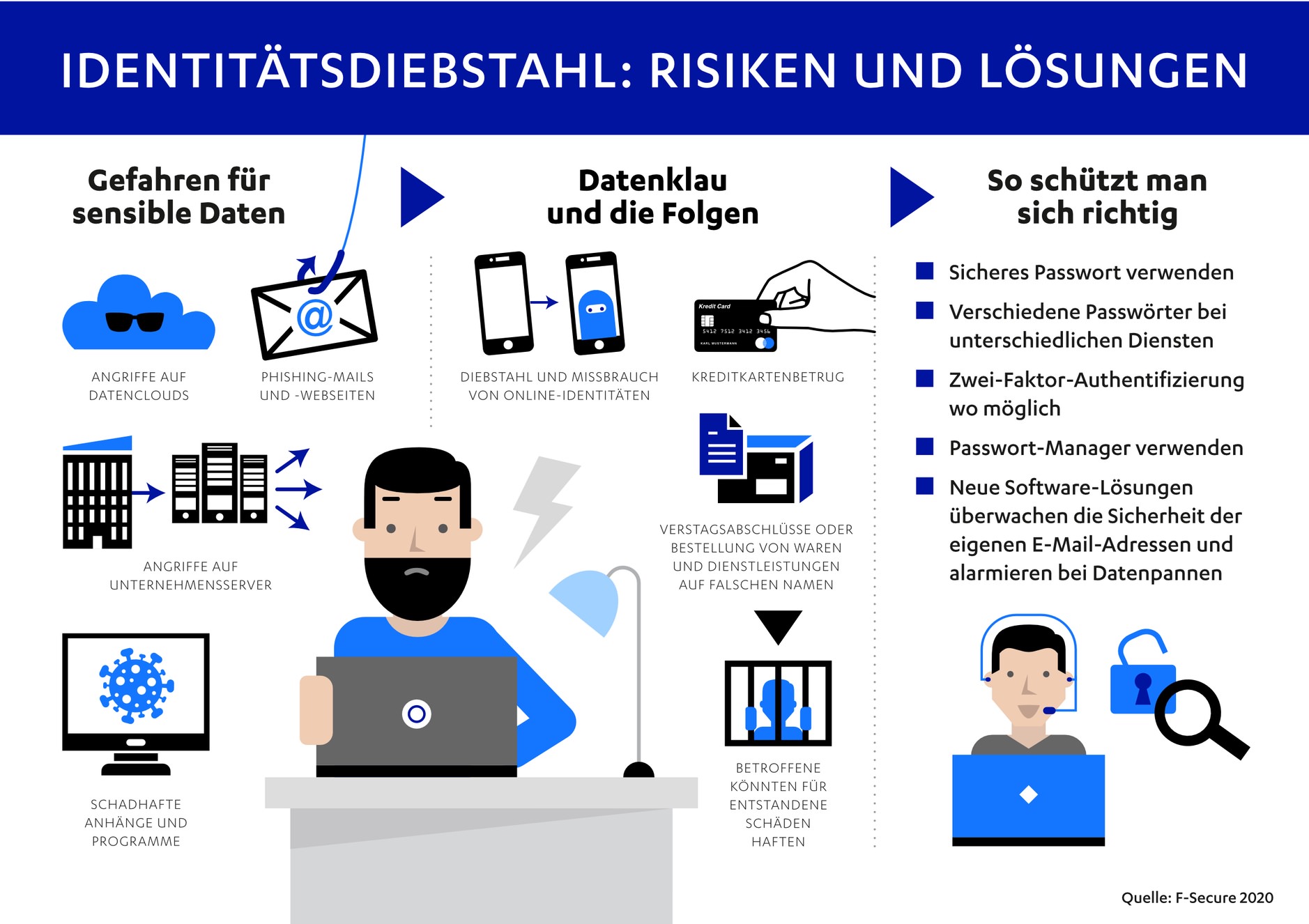
F-Secure ist mit ID PROTECTION in den nächsten sieben Tagen erneut mein „Sponsor der Woche”. Und das gibt mir noch einmal die Möglichkeit auf einen notwendigen Datenschutz hinzuweisen. Die Verantwortung dafür liegt zwar bei euch, Tipps und Hilfe könnt ihr jedoch einholen.
F-Secure ist als finnischer Anbieter von IT-Sicherheitslösungen seit über 30 Jahren im Geschäft. Ihr Passwort-Manager empfiehlt euch sichere Kennwörter, die dem aktuellen Stand der Forschung entsprechen. Gleichzeitig beobachtet rund um die Uhr ein Team aus Experten die neusten Datenleaks. So werdet ihr früh bei Datenpannen gewarnt und vermeidet einen Identitätsdiebstahl.
Datenklau kann unangenehme Folgen haben – von Kreditkartenbetrug bis zur Haftung von entstandenen Schäden. Im besten Fall wird’s einfach nur nervig. Deshalb will man vorsorgen, um später nicht aufräumen zu müssen.
ID PROTECTION lässt sich kostenlos ausprobieren (Laden). Diese Testphase zeigt euch den kompletten Funktionsumfang.
Vielen Dank an das gesamte Team von F‑Secure für die Unterstützung von iPhoneBlog.de in dieser Woche.