[24-Tage-im-Dezember] Astro – 23/24
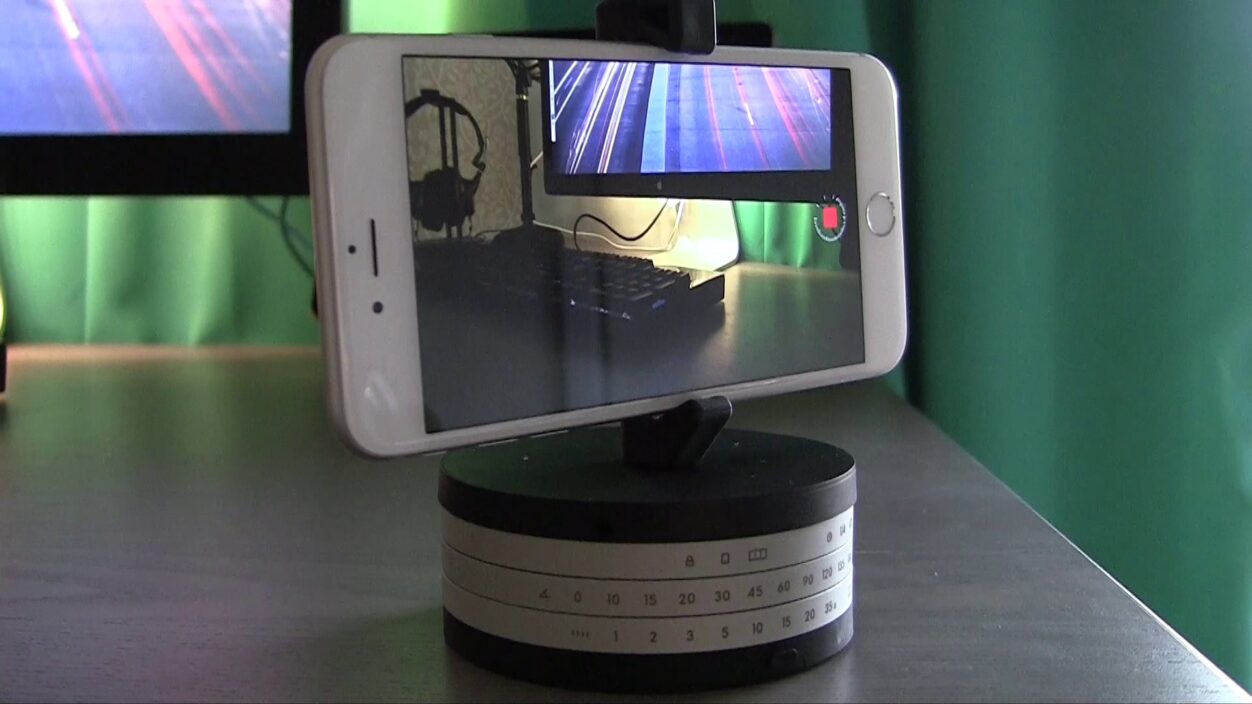
- Astro (Produktseite)
Nicht vergessen: Alle meine eigenen Videos liefert auch ein Podcast-Feed (iTunes-Link) aus – abwärtskompatibel bis zum iPhone 4.
Nicht vergessen: Alle meine eigenen Videos liefert auch ein Podcast-Feed (iTunes-Link) aus – abwärtskompatibel bis zum iPhone 4.

Mit Floppy Cloud (1.79 €; universal; App-Store-Link) rutscht erneut ein Emulator für NES- und SNES-Spiele in den App Store. Das ist insbesondere deshalb von Interesse, weil die Software, die Apple zeitnah wieder entfernen wird, mit offiziellen MFi-Controllern – beispielsweise dem kabellosen Stratus XL – zusammenspielt. Tadellos, wie ich anmerken kann.
via TouchArcade
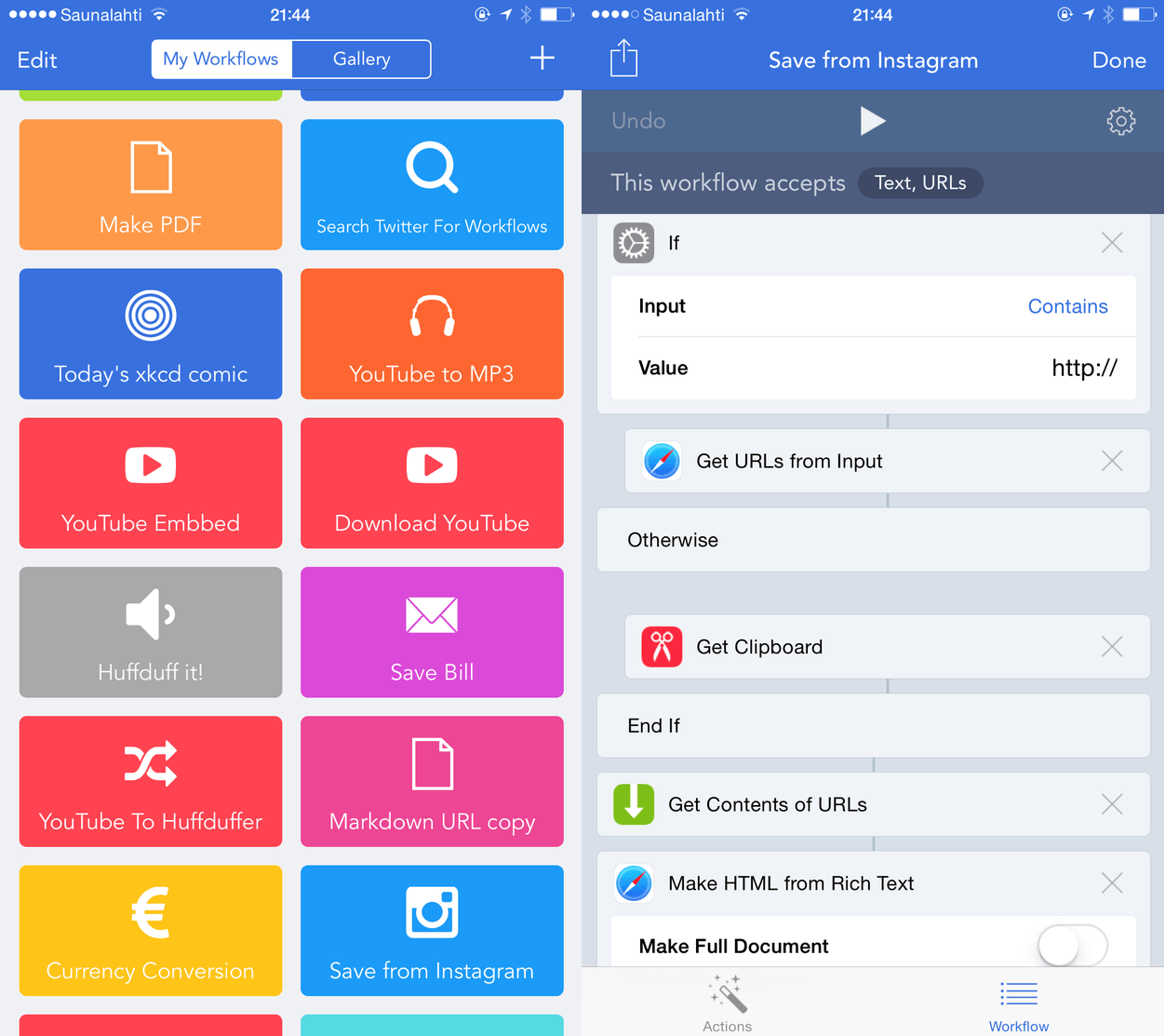
Workflow (2.99 €; universal; App-Store-Link) ist noch keine zwei Wochen alt, bekam in dieser kurzen Zeit jedoch schon etliche Software-Prozesse von Nutzern zugespielt, die ich schon jetzt nicht mehr missen möchte. Hier eine kleine Auflistung von Actions, die man sich mit nur einem Fingerzeig installieren kann.
Soweit die ersten Ideen. Workflow hat es bereits geschafft, das ich mindestens einmal am Tag die Twitter-Suche (selbstverständlich über einen Workflow) nach neuen Automatisierungen anstoße.
Dropzone 3 ist mein Sponsor der Woche.
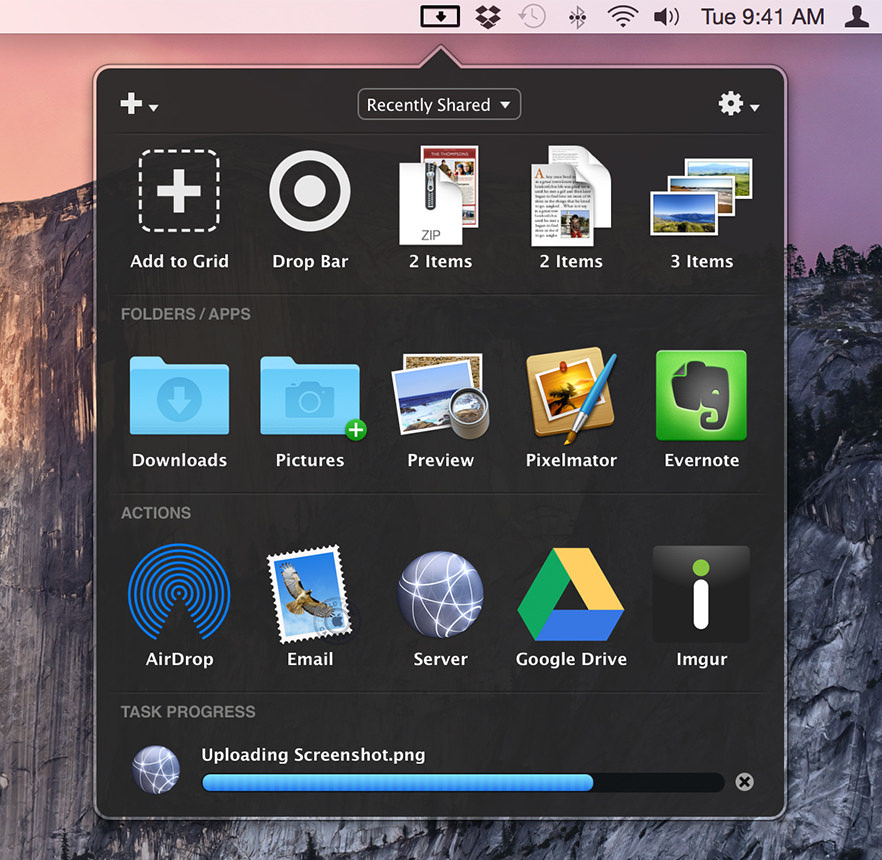
Und wie viel Zeit hast du schon damit verschwendet den richtigen Ordner für eine Datei zu suchen? Täglich schupsen wir Dokumente aus dem Download-Ordner auf den Schreibtisch und vom Schreibtisch in die persönliche Ablage, auf eine externe Festplatte oder in die Dropbox. Und täglich navigieren wir umständlich zu den immer gleichen Ordnern. Das geht einfacher: Dropzone merkt sich wohin wir Dateien ziehen und ablegen. In der Menüzeile werden diese häufig benutzten Speicherorte als Ziel angeboten. So lassen sich aber nicht nur Dateien verschieben, sondern sie lassen sich aus der Menüzeile auch direkt öffnen.
Neben dem Schnellzugriff beherrscht Dropzone auch Aktionen, um Texte auf Google Drive zu laden, Fotos zu komprimieren oder eine URL zu kürzen. Die Auswahl an vollautomatischen Actions ist umfangreich; über eine offene API (Ruby) erweitert sich die Möglichkeiten ständig.
Dropzone 3 ist vollständig auf OS X Yosemite angepasst und kann als Testversion für 15 Tage ausprobiert werden. Wer den Komfort jedoch einmal genoss, verzichtet darauf nicht mehr – die 4.49 € sind ein Schnäppchen.
Vielen Dank an Entwickler Aptonic für die Unterstützung von iPhoneBlog.de.
Das Jahr 2014 klingt langsam aus. Grund genug für eine zweite Auflistung der (meiner ganz persönlichen Meinung nach) 14 besten iOS-Spiele, die zwischen Juli und Dezember im App Store erschienen.
Die Empfehlungen aus den ersten sechs Monaten finden sich hier:
➞ Die besten iOS-Spiele der ersten sechs Monate im Jahr 2014
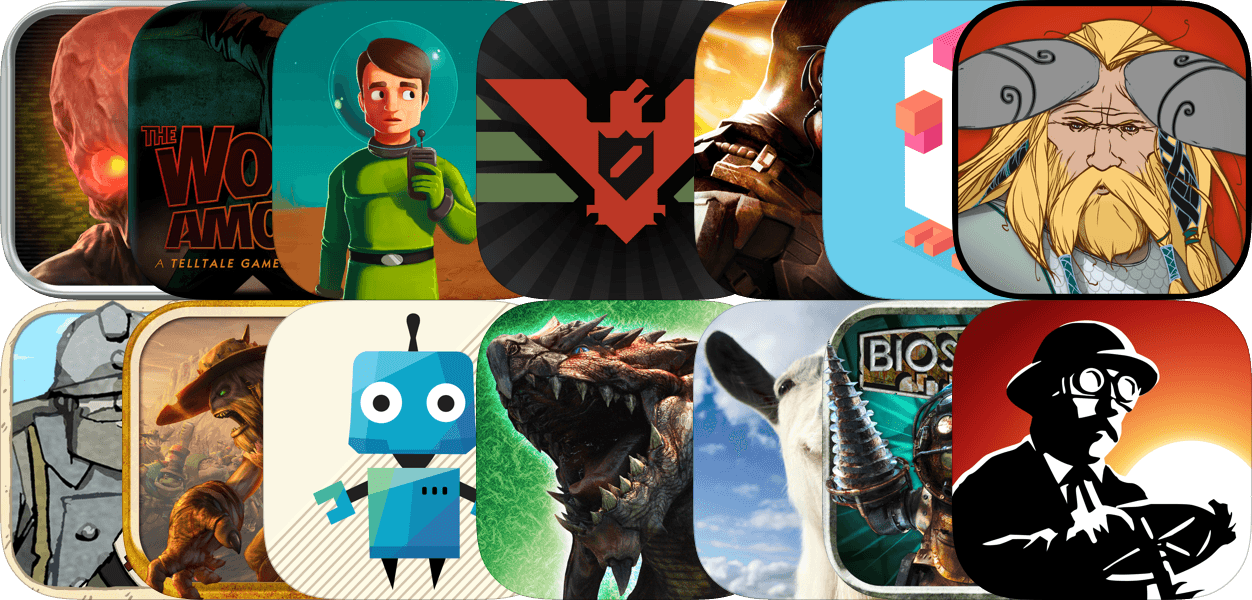
Nur Papers, Please ist alleine dem iPad vorbehalten. Alle anderen Erwähnungen lassen sich sowohl auf dem iPad als auch iPhone spielen. BioShock und Oddworld profitieren von einem separaten iOS-Controller – beispielsweise dem Stratus XL. Das gilt außerdem für die frisch aktualisierten Highlights Oceanhorn: Monster of Uncharted Seas (4.49 €; universal; App-Store-Link) und Grand Theft Auto: Chinatown Wars (4.49 €; universal; App-Store-Link), die man beide in neuer Auflösung eigentlich noch einmal spielen muss.